How to follow up overdue invoices in a small business
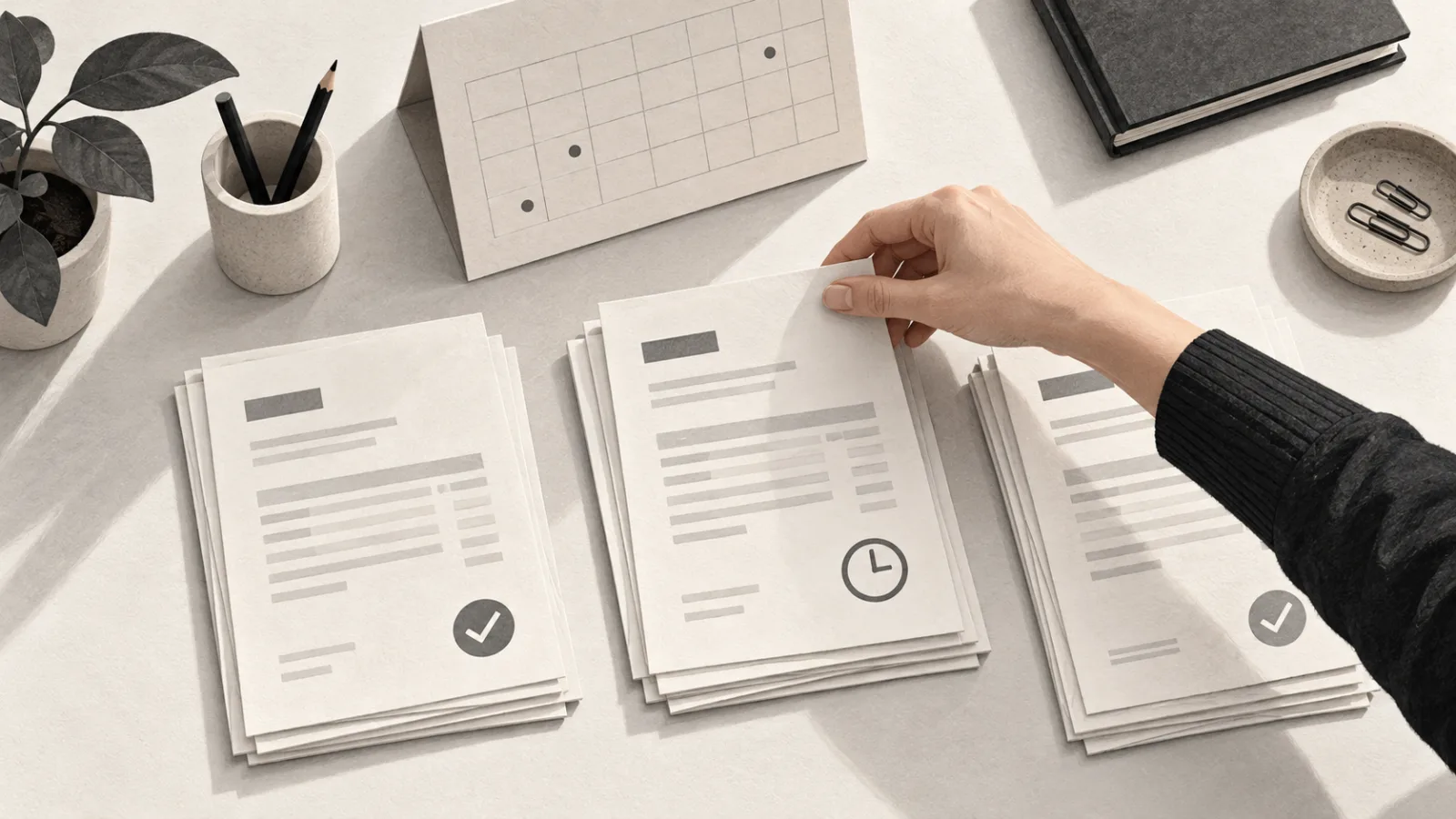
Imagine a maintenance business with several unpaid invoices. One customer has paid, but the transaction has not been confirmed yet. Another is waiting for a correction. A third received the invoice at the wrong email address.
This is a fictional example, but it shows the problem with sending the same reminder to everyone. All three cases appear as outstanding balances. Each needs a different next step.
Before automating messages, you need to answer one question: what do we know about this invoice right now?
The work starts before the reminder
Late payments affect the people running a business. Intrum's European Payment Report 2026 includes reports from Portuguese businesses about cash flow difficulties and growth plans disrupted by late payments. This is research commissioned by a credit management company, rather than a measurement of your own business. Intrum's Portuguese findings.
There is administrative work too. The EU Payment Observatory's 2025 annual report, which analyses data from 2024, identifies the effort of chasing overdue payments as a burden on businesses. EU Payment Observatory.
That work includes finding documents, checking transactions, looking up conversations and deciding who should contact the customer.
I would start by organising those decisions. A well-written message does little good when it relies on outdated information.
Give each situation a status
Use your invoicing software as the reference for documents and amounts. If you need a separate spreadsheet to track conversations, keep a link to the original invoice.
For an initial trial, you could use these follow-up statuses:
- Invoice not yet due. Wait until the due date, unless another follow-up has been agreed.
- Invoice overdue and payment outstanding. Check the contact details and prepare a reminder.
- Customer says they have paid. Pause reminders while checking the transaction.
- Customer disputes the document or service. Refer the case to the person responsible for resolving it.
- A new payment date has been agreed. Record the date and follow up on that agreement.
- Payment confirmed. Close the follow-up.
This is a suggested way to organise the work. Adapt it to your own process.
A payment receipt still needs checking. A promise to pay still needs follow-up. Neither should automatically mark an invoice as paid.
Also record who owns the case and when they last checked the information. Someone else can then continue without reconstructing the entire conversation.
Check what your software already offers
Before buying a tool or building an integration, look for outstanding balance reports, payment reminders and contact history in the system you already use.
InvoiceXpress, for example, lets you configure email reminders for customers with outstanding or overdue balances. Its documentation describes customising the wording and frequency for each customer. Check availability in your plan and test how it works in your account. InvoiceXpress payment reminders.
The provider explains that it moved from reminders per invoice to reminders per customer after receiving feedback about excessive messages.
That distinction deserves attention. If a customer has five outstanding documents, five separate messages may make the conversation harder to manage.
Before enabling automatic sending, check:
- Whether payment records are up to date.
- How to exclude a customer or pause a sequence.
- What happens when there is a dispute.
- Where replies are recorded.
- How to avoid two people making the same contact.
The automation needs to know when to stop.
Start with an internal list
The first trial can work without sending any messages automatically.
Choose a small set of invoices. Prepare a list with the document, outstanding balance, due date, last contact, person responsible and next action.
Have someone review the list and confirm which cases can proceed.
This step helps you find problems before turning them into customer messages. You may discover a missing contact, a credit note that has not been accounted for, or a different date agreed by the account manager.
Then you can consider automating reminder preparation.
Use AI to prepare the conversation
AI can help draft a short email or summarise a conversation. Payment status should come from confirmed records.
For a trial, use fictional data and this prompt:
Prepare a draft payment follow-up email.

Confirmed information:
- Document: Invoice A.
- Status: overdue, payment outstanding.
- Last contact: a copy of the invoice was resent.
- Goal: confirm receipt and ask for an expected payment date.

Write in British English.
Use a polite, direct tone.

Use only the information provided.
Leave placeholders where details are missing.
Do not add interest, threats or commercial terms.
One possible draft would be:
Hello [name],
Could you confirm that you received the copy of invoice [reference] we resent?
According to our records, payment is still outstanding. Could you let us know when you expect to pay, or whether there is an issue preventing payment?
Thank you, [signature]
Before sending, check the document, balance, recipient and recent correspondence.
If the customer's reply raises a question, assign it to someone. An automatic sequence should not continue simply because the next sending date has arrived.
Keep payment details consistent with the business's usual channels too. A change of bank account requires care, as I explain in the article about payment scams.
Measure the whole follow-up process
During the trial, record the time spent preparing, reviewing and correcting the work. Count duplicate contacts, cases with no owner and reminders that would have gone out with incorrect information.
Track payments, but avoid attributing every payment to automation. The customer may have paid as part of their normal routine or after a conversation outside the system.
The first improvement I would look for is being able to open the list and see what needs doing for each invoice, and who is handling it.
Choose a small set of outstanding invoices today. Confirm the status of each and write down the next action. That list gives you a concrete basis for deciding what to automate.